
7I777 app: from installing on your phone to handling money
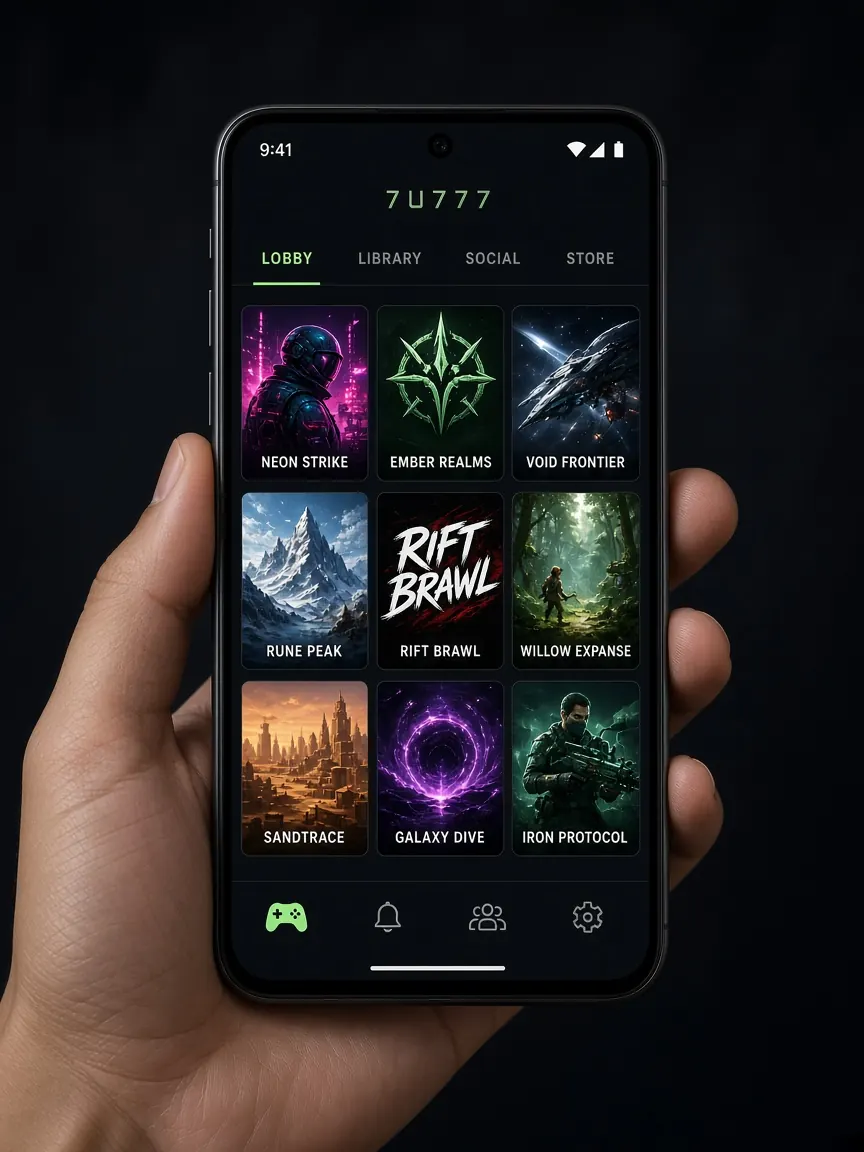
Most players in Bangladesh play on their phone, and the same phone also holds their bKash, Nagad or Rocket app. So where you download a gaming app from is not just about convenience — it is about the safety of your wallet too. This page is an unofficial guide; the real source of the app is the Android and iOS buttons inside the official lobby.
Before you install: check the source
- Open the lobby from the button on this page or your own bookmark, then use the Android or iOS button inside the lobby.
- Do not open APK files that someone sends you on Telegram, Facebook or WhatsApp. A fake app can read your SMS and steal your OTP, which puts your wallet at risk as well.
- Stay away from third-party APK download sites, however familiar they look.
How to install the 7I777 app on Android
- Tap the Android button in the lobby. If the file is an APK, your browser may show a warning.
- To install, you may need to allow that browser to "install from unknown sources" in your phone settings.
- After installing, turn that permission off again — this stops other unknown files from installing by themselves.
- Open the app and log in with your own number and password.
If the app asks for access to your SMS, contacts or accessibility service and you cannot tell why, do not allow it. If in doubt, delete the app and play from your browser.
Using 7I777 on iPhone
If the lobby has an iOS button, follow its instructions. If you are asked to install a profile, read what permissions it wants first. If the button does not work, open the lobby in Safari and use "Add to Home Screen" to keep a shortcut — most features work in the mobile browser.
Making a deposit from the app
When you open the cashier in the app, it often sends you to your wallet app and then brings you back. It is easy to lose details during this back-and-forth. So:
- Before you switch to the wallet app, take a screenshot of the number, amount and reference (if any) shown in the cashier.
- Before you send money in the wallet app, match the receiver number with your cashier screenshot.
- Take a screenshot of the success screen and the transaction ID.
- Back in the gaming app, enter the correct ID in the cashier field (if asked) and complete the deposit request.
- Make sure the request shows up in your transaction history.
The full checklist is on the payments page, and for cashing out see the withdrawal guide.
Requesting a withdrawal from the app
Filling in the withdrawal form on a small screen makes mistakes in the wallet number very common. Before you submit, read the full number slowly without rotating the phone, check the wallet type is right, and screenshot the confirmation screen. Do not delete or reinstall the app while a request is pending — you will need to log in again to see your history, and your old screenshots will be your proof.
Updates and fake update messages
Sometimes the app may ask for a new version. Only update from instructions inside the app or from the lobby button. If someone sends a link saying "New version, install now or your balance will be locked", ignore it. Scare messages like this are a known trick for spreading fake apps — more warning signs in the fake sites guide.
Notifications and time control
After installing, you may get promo notifications. If they keep pulling you back into play, turn them off in your phone settings. Setting a daily time limit for the app with your phone's screen time or digital wellbeing feature is also an easy way to stay in control.
Simple phone safety rules
- Keep a screen lock on your phone and use a separate PIN for your wallet app.
- Do not use the same password or PIN for the gaming app and your wallet.
- Log out of the app before handing your phone to someone else.
- Keep receipt screenshots in a separate album so they are not deleted when you clean up your phone.
I can't find the app on the Play Store. What should I do?
Apps like this may not be on the store. Treat only the official lobby button as the source, or play from your browser. Even if you see an app with the same name on the store, do not download it unless you are sure it is real.
I deposited in the app, but my balance did not arrive
Do not send the money again. Check in your wallet whether the transaction was successful, then contact the lobby's live chat with the transaction ID and screenshots — see the support guide.
The app won't open after installing
Update your phone's system and check you have free storage. If it still does not work, use the lobby from your browser; do not go looking for an APK from another source.
More download details: download guide.
Open the app buttons in the lobby
This site is unofficial, not the official site. The app version and features shown in the lobby are final. 18+ only — keep your time and money limits.