
7I777 payments: a money checklist for bKash, Nagad and Rocket
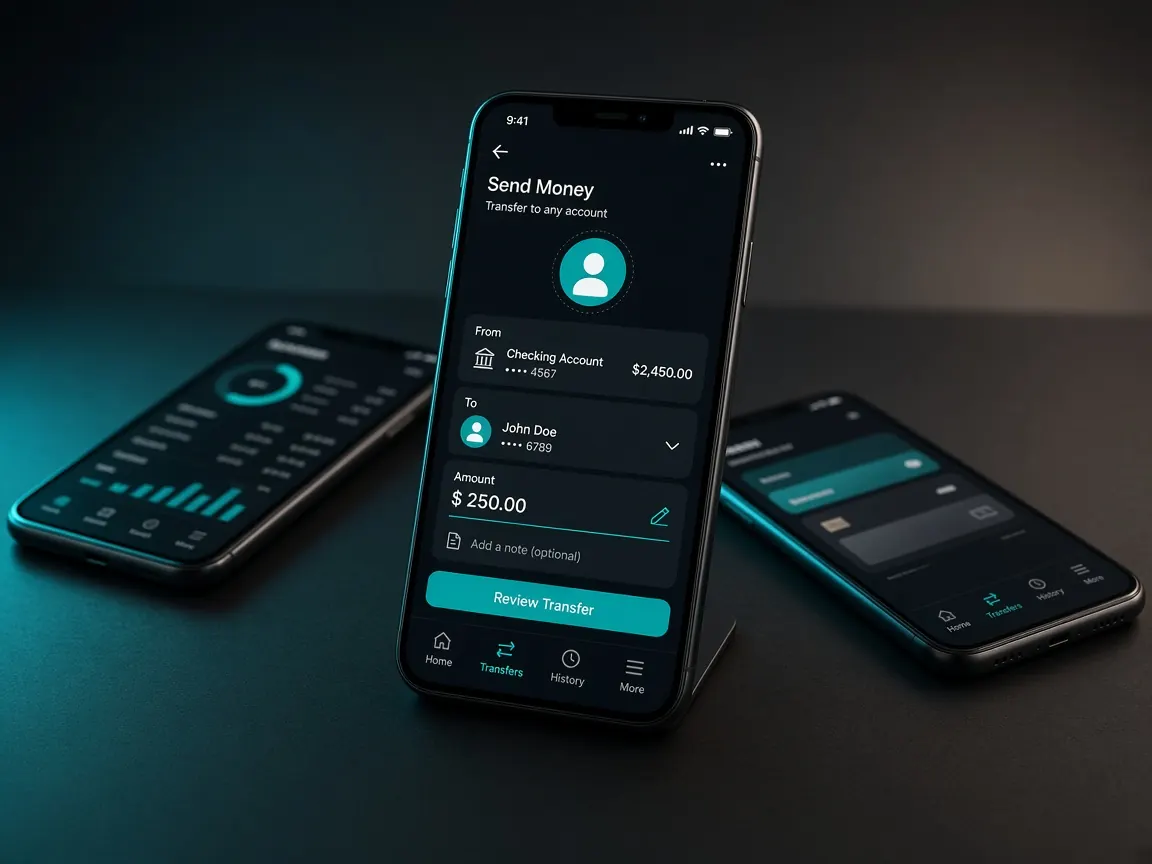
Sending money from a mobile wallet takes a few seconds, but fixing a mistake can take days. This page is the main checklist of this site: what to check before a deposit, during it, after it, and when you withdraw. Remember, this is an unofficial guide. Money moves only through the official lobby's cashier.
Before you deposit: preparation checklist
- The wallet you send from is in your own name and matches your account name.
- The wallet has enough balance, so the transaction does not fail halfway.
- The amount you send is within the entertainment budget you set earlier.
- You have decided in advance whether to take a bonus and have read its terms: bonus and wagering.
How to deposit on 7I777
- Log in to the official lobby and open the Cashier or Deposit section.
- Choose bKash, Nagad or Rocket, whichever the cashier shows as active.
- Enter the amount. Take a screenshot of the number, amount and reference the cashier shows.
- In your wallet app, match the receiver's number digit by digit. If even one digit is different, do not send.
- If a reference is asked for, type exactly that. Do not add anything of your own.
- After sending, take screenshots of the success screen and the transaction ID.
- If the cashier asks for the ID, enter it correctly and complete the request.
Details for each wallet are on separate pages: bKash · Nagad · Rocket.
Your proof folder: what to keep
For every deposit and withdrawal, keep these four things in one place:
- A screenshot of the cashier's instruction screen (with the number and amount).
- A screenshot of the successful transaction in your wallet app.
- The transaction ID, written down in a separate note.
- A screenshot of the request status in the lobby's transaction history.
Do not delete the confirmation SMS from your wallet provider. It also contains the ID and time.
If the deposit does not reach your balance
- Do not send it again. Many people think the first one failed and send a second time. Later, both have to be matched.
- Check in your wallet app whether the transaction really succeeded. If no money was taken, no deposit was made.
- Check whether the request is pending in the lobby's transaction history.
- If it still has not arrived after a while, send everything to live chat at once: username, amount, time, transaction ID, the last few digits of the sending wallet, and the two screenshots.
- Write down the chat ticket number. More options are in the support guide.
When you withdraw
Withdrawals usually go to a wallet in your own name, often the same one you deposited from. Using someone else's bKash can get stuck at account verification. If an active bonus still has wagering left, the withdrawal may be held. If verification is asked for, upload clear photos in the lobby's form: verification guide. Full steps are in the withdrawal guide.
Which wallet to use
If the cashier has several options, choose the one you use regularly and that is registered in your own name. Switching wallets often makes it hard to match deposits and withdrawals, and extra questions may come up during verification. If you keep one wallet only for "gaming transactions", its statement will show at the end of the month how much you deposited and how much you withdrew. If a method is temporarily shown as unavailable, do not borrow someone else's wallet. Wait, or use another wallet of your own.
A monthly money check habit
Once a month, sit down and compare three numbers: total deposits, total withdrawals and the budget you set at the start. If deposits keep going over budget, that is your signal to stop. If the lobby has deposit limit or break options, turn them on at that point.
If you sent money to the wrong number
If money went to a different number by mistake instead of the one the cashier showed, contact your wallet provider's official helpline without delay and give them the transaction ID. Tell lobby support as well, but remember they may not be able to recover money that went to the wrong receiver. That is why matching the number before you send is the most important step.
Mistakes we see again and again
- Sending money to a personal number found on a Facebook page or Telegram. Do not give money to any "agent" personally: agent warning.
- Remembering last time's number and sending to it directly, when the cashier's number has changed.
- Treating a limit seen on a promo banner as final, when the cashier shows something different.
- Showing the same receipt for two different requests. This can send your account for review.
- Rushing to deposit more to win back lost money.
Minimum and maximum amounts, fees and processing times depend on the method, offers and verification, and they can change. Only follow what the lobby's cashier shows. This site is not official. 18+ only. There is no guarantee of winning, so play within limits: responsible play.