
7I777 account security: where your money is, and where the locks go
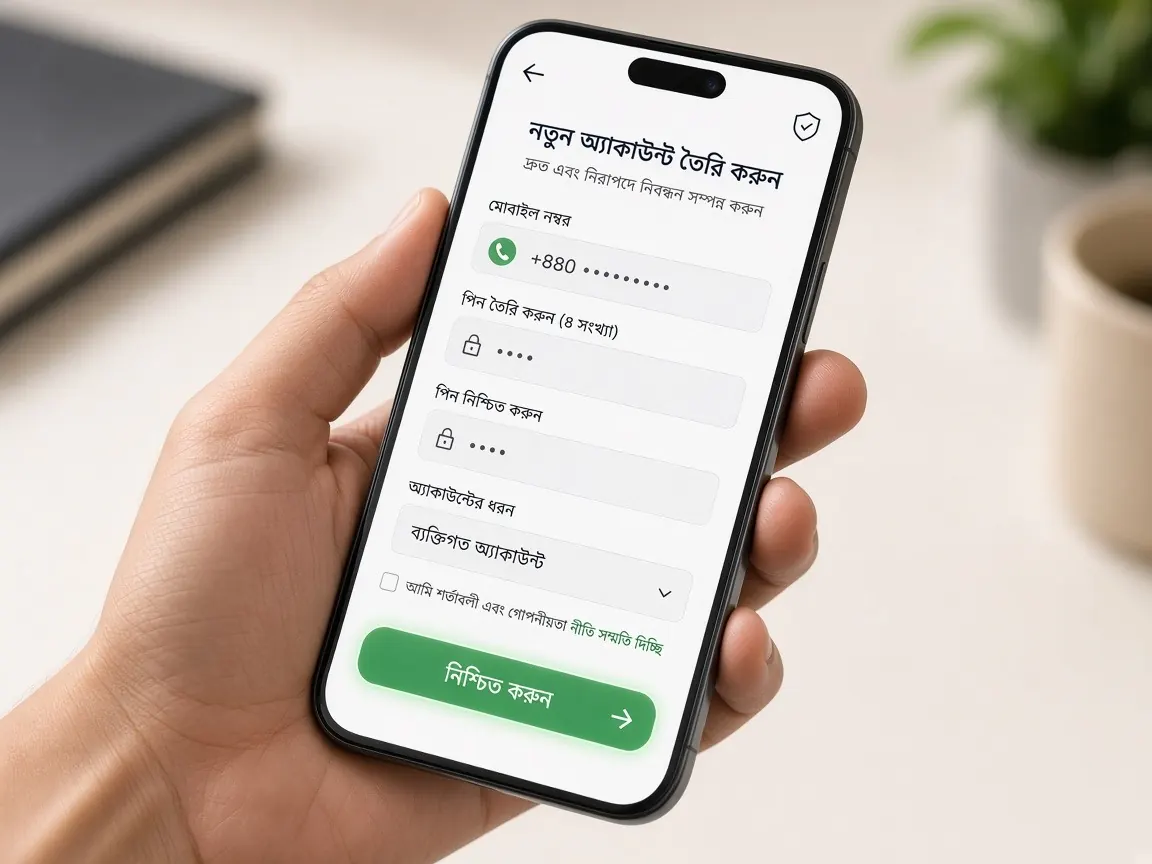
After your first deposit, your account is more than a username. It holds a balance, a history of deposits and withdrawals, and the wallet number your withdrawals go to. Account security means guarding those three things. The checklists below are arranged from the money side, so you can see at a glance where to look. This site is an unofficial guide; settings can only be changed inside the official lobby.
Why does your withdrawal wallet number matter even more than your password?
If someone learns your password, they can see your balance and play. But the biggest damage happens when they swap the withdrawal wallet number in your profile for their own; that opens a road for your money to reach them. So the first rule of security: check that the saved wallet number in your profile is yours, in your name, and that you recognise it every time you log in.
- Keep your withdrawal wallet and deposit wallet as the same account in your own name.
- If the number needs changing, do it yourself, from your own phone. Not because someone says "I'll update it for you".
- If you ever see the number changed without your knowledge, do not request a withdrawal; tell live chat first.
How do you make a strong password, and where should you keep it?
A strong password is not a jungle of symbols. It is something no one else can guess and that you have not used anywhere else.
- Do not put your name, date of birth, mobile number or username in the password.
- Join a few unrelated words into a long phrase and add some numbers and symbols in between.
- It should not match your email, Facebook or wallet app password, so if one leaks, the others survive.
- If you must write it down, not as a screenshot in your gallery; use your phone's password manager or paper kept somewhere safe.
If you even slightly suspect someone knows your password, change it without delay. It takes a minute; waiting can cost far more.
If you forget your password, do not open a new account; your balance stays in the old one. Reset steps are in the forgot password guide.
A two-minute weekly check: which boxes should you tick?
Just as a bank statement needs a look now and then, so does your account. Once a week, say on Friday, log in to the lobby and tick this list:
- ☐ Your balance looks reasonable compared with what you last saw and what you played.
- ☐ The deposit history has no request you did not make.
- ☐ The withdrawal history has no unknown request, and nothing pending without your knowledge.
- ☐ The mobile number and withdrawal wallet number in your profile are your own.
- ☐ Your phone's screen lock is on, and no one else can open the lobby app or bookmark.
How to find and read the history pages is covered in the transaction and bet history guide. If you cannot tick a box, follow the "unknown transactions" section below.
OTP, PIN and messages from "support": how do you tell real from fake?
Most lost accounts are not technical hacks but conversational traps. Someone calls themselves an "admin", "agent" or "payment team", builds trust, then asks for a code. Stop as soon as you see these signs:
- Someone contacts you from outside the lobby: a phone call, SMS, WhatsApp or an unknown Telegram account.
- They create urgency: "your account will be closed" or "the bonus ends today".
- They ask for an OTP, password or wallet PIN, or tell you to install a screen-sharing app.
- They ask you to log in through a different link whose address does not match your bookmark.
The rule is simple: OTPs and PINs are for your eyes only. Real support does not ask for them. More ways to spot fake links are in the fake sites checklist.
What should you do first if you lose your phone or see unknown transactions?
If you lose your phone or SIM
Your phone holds the lobby app, the wallet app and the SIM that receives OTPs. Losing it risks three doors being open at once. Work in this order:
- Ask your mobile operator to block the SIM and get a replacement SIM for the same number in your name.
- Use the wallet company's own help channel to secure your wallet.
- From another safe device, log in to the lobby and change your password.
- Check the withdrawal wallet number and history, then report what happened in live chat.
If your number has changed completely, identity verification may be requested; what may be needed is in the account verification guide.
What to write in live chat if something looks suspicious
Evidence first, changes second. As soon as you see something unusual, screenshot that screen, then change your password. Then send one message in the lobby's live chat with:
- Your username, and when you last logged in yourself.
- Which transaction or change you do not recognise: date, amount, type.
- Whether the wallet number in your profile has changed.
- The screenshots.
Do not try to fix the wallet number yourself while support is looking into it. Carrying on playing while worried about money is a bad idea; take a break and think about your limits on the responsible play page.
More questions about account security
What is the problem if a family member plays on my account?
Later there is no way to tell who made which transaction, and verification questions can come up at withdrawal time. One account, one owner; if someone else is 18+, they should open their own account in their own name.
Where is it safe to get the lobby app?
Only from the button inside the official lobby. Files passed around in groups can be fake and steal login details. Do not install files from unknown sources.
Is it fine to deposit or withdraw on public Wi-Fi?
Better not. Do money tasks on your own mobile data, and never log in on shared computers in shops or offices.
I got an SMS about an unknown login, but my balance is fine. Should I do anything?
Yes. Even with the balance intact, change your password, check the wallet number, and tell live chat with a screenshot of the SMS. Acting early is the safe choice.
Is it risky to just close the app without logging out?
With a screen lock on your own phone, the risk is low. But if your phone sometimes ends up in someone else's hands, or goes to a repair shop, log out of the lobby first. An open session lets someone see your balance and profile without a password.
Check your profile in the official lobby
This is an unofficial guide, not the official site or a game server. Login, balance and account settings are only in the official lobby. 18+ only; set time and money limits before you play.