
Forgot your 7I777 password: reset steps that keep your money and wallet safe
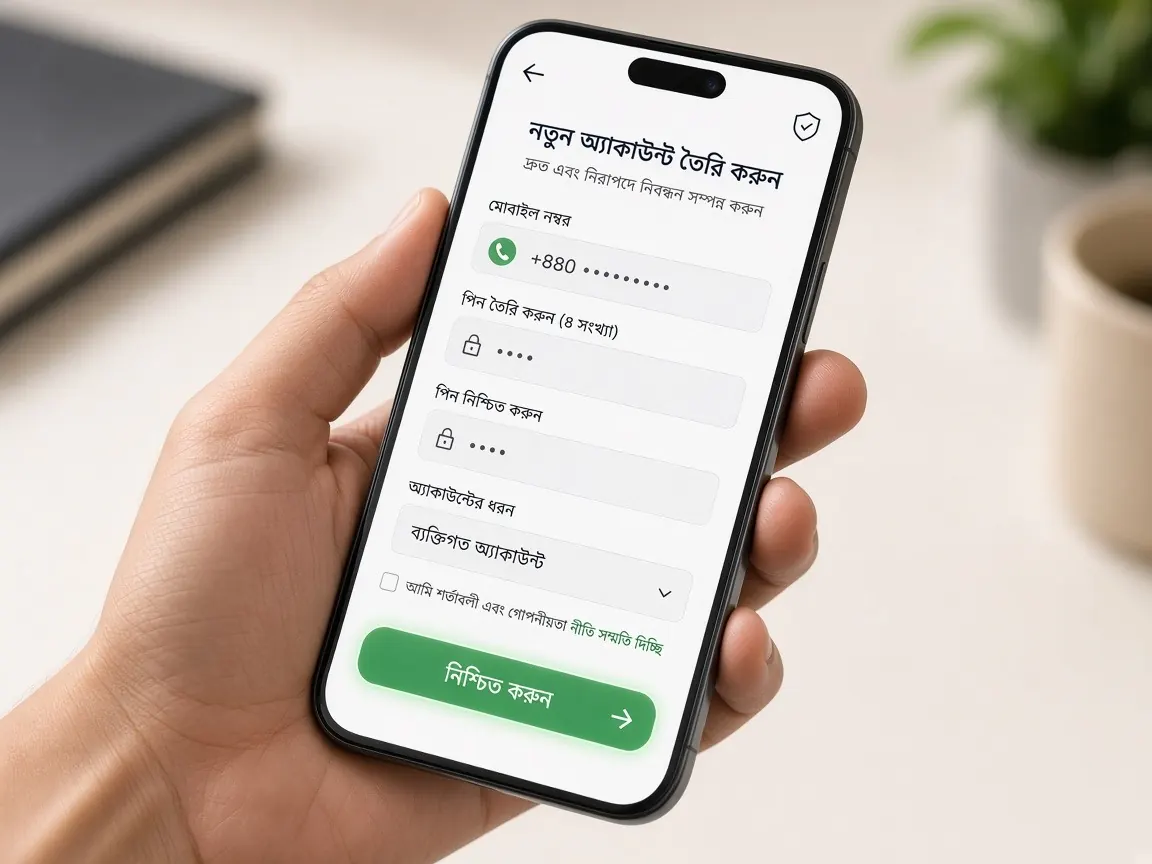
A forgotten password is nothing to panic about. Your balance, deposits and withdrawal history belong to the account, not to the password. The real risk is rushing into a wrong link or handing a code to a stranger. This page walks through resetting it yourself, with the money side in mind, and what to check once you are back in.
Which mistakes before a reset put your money at risk?
Before you look for the reset button, avoid a few mistakes that tend to create money problems later:
- Do not keep guessing. After several wrong attempts the lobby may temporarily block login, which only slows you down.
- Do not open a new account. Your old balance, deposit records and bonus status stay with the old account; they do not move to a new one.
- Do not open a "recovery link" someone sent on Facebook groups, Telegram or Messenger. A fake page can look just like the lobby. How to spot one is in the fake sites guide.
- If someone says "I'll reset it for you, send me the code", stop talking. Whoever holds the verification code holds the account.
How do you reset your password in the 7I777 lobby?
Reset only from the official lobby's own login screen. Button names and step order can change over time, so follow what the screen says. The usual order is:
- Open the lobby from your own bookmark or a button you already know. Glance at the domain in the address bar.
- Under the login form, look for "Forgot password" or a similar option and tap it.
- Enter the phone number or username you registered with. Not anyone else's number.
- When the verification code arrives, type it into that form yourself. Do not read it out to anyone or send a screenshot of it.
- Set a new password, confirm it, then log in once with the new password to make sure it works.
If you cannot find a reset option on the login screen, do not go hunting elsewhere. Go straight to the lobby's live chat; how to write the message is below.
The reset code is not arriving. What now?
Pressing "resend" over and over often backfires. Check these one by one instead:
- Is the number you entered really your registration number? If you have two SIMs, think about which one you signed up with.
- Does the phone have network, and is the SMS inbox full? Delete old messages to make room.
- Open the spam or blocked messages folder too.
- Wait a little, then try once more, not many times in a row.
If you lost the SIM, first get a replacement SIM for the same number in your own name from your mobile operator. If the number no longer exists, tell live chat; you may be asked to confirm your identity, and how to prepare for that is in the account verification guide.
How do you check your balance and withdrawal wallet after a reset?
This site is about keeping track of money, so after logging in with the new password, spend two minutes before playing:
- Check the balance against the last state you remember.
- Open deposit and withdrawal history. Look for any request you did not make.
- Confirm the saved bKash, Nagad or Rocket withdrawal number in your profile or cashier is your own.
- If everything is fine, take a dated screenshot of each of these pages.
If you see an unknown withdrawal or a changed wallet number, this is no longer a password problem; it is a question of whether someone else got into the account. Change the password again right away and report it to live chat with screenshots. Wait for support's answer before deleting or changing any number yourself, so the evidence is not lost.
What should you write to support if the reset does not work?
Ask for help only through the live chat inside the lobby. Putting everything in one message saves a long back-and-forth:
- Your username and registration phone number.
- What you tried and what message the screen shows, with a screenshot of it.
- The wallet and rough date of your last deposit or withdrawal, if you remember. This makes it easier to confirm the account is yours.
Never type your old or new password, a verification code or your wallet PIN into chat. Genuine support does not need them. More on dealing with support is in the customer service guide.
What makes a new password easy to remember but hard to guess?
Passwords built from your name, birthday or the last digits of your phone number can be guessed by anyone who knows you. Instead, join three or four random words into something like a phrase and add a number and a symbol. Do not reuse your bKash or email password here; if one leaks, they all open. If it is hard to remember, keep it in a trusted password manager on your phone; if you write it on paper, store it away from your wallet papers.
One more thing: the day you lose a password is often a heavy-play day too, late at night or in a low mood. Once you are back in, reset your time and money limits, and read the responsible play page if you need to.
Does resetting the password wipe my balance?
No. Balance, deposit and withdrawal records and bonus status stay with the account. After the reset, just check that everything looks as before.
I don't remember my username either. What do I do?
Your username may appear in an SMS from registration or in old deposit screenshots, so look there first. If you cannot find it, contact the lobby's live chat with your registration phone number.
Is it a problem to change my password while a withdrawal is pending?
Do not assume that changing the password cancels the request, and do not assume it is safe either. After changing it, check the request status in withdrawal history, and if anything changed, tell support with screenshots.
Someone claiming to be support called and asked for the code. Should I give it?
No. Only you type the code, into the lobby's own form. Treat anyone asking for it as a scam sign and change your password straight away.
Do I need to reset separately in the app and the browser?
No, they are the same account. One reset means the new password works in both places. If the old password is saved on another phone or browser, delete it so the old one does not keep filling in by mistake.
Open the official lobby login screen
This site is an unofficial guide, not official 7I777 and not a game server. Password reset, login and balance are only in the official lobby. For users 18+ only.